Every dictation, kept and searchable
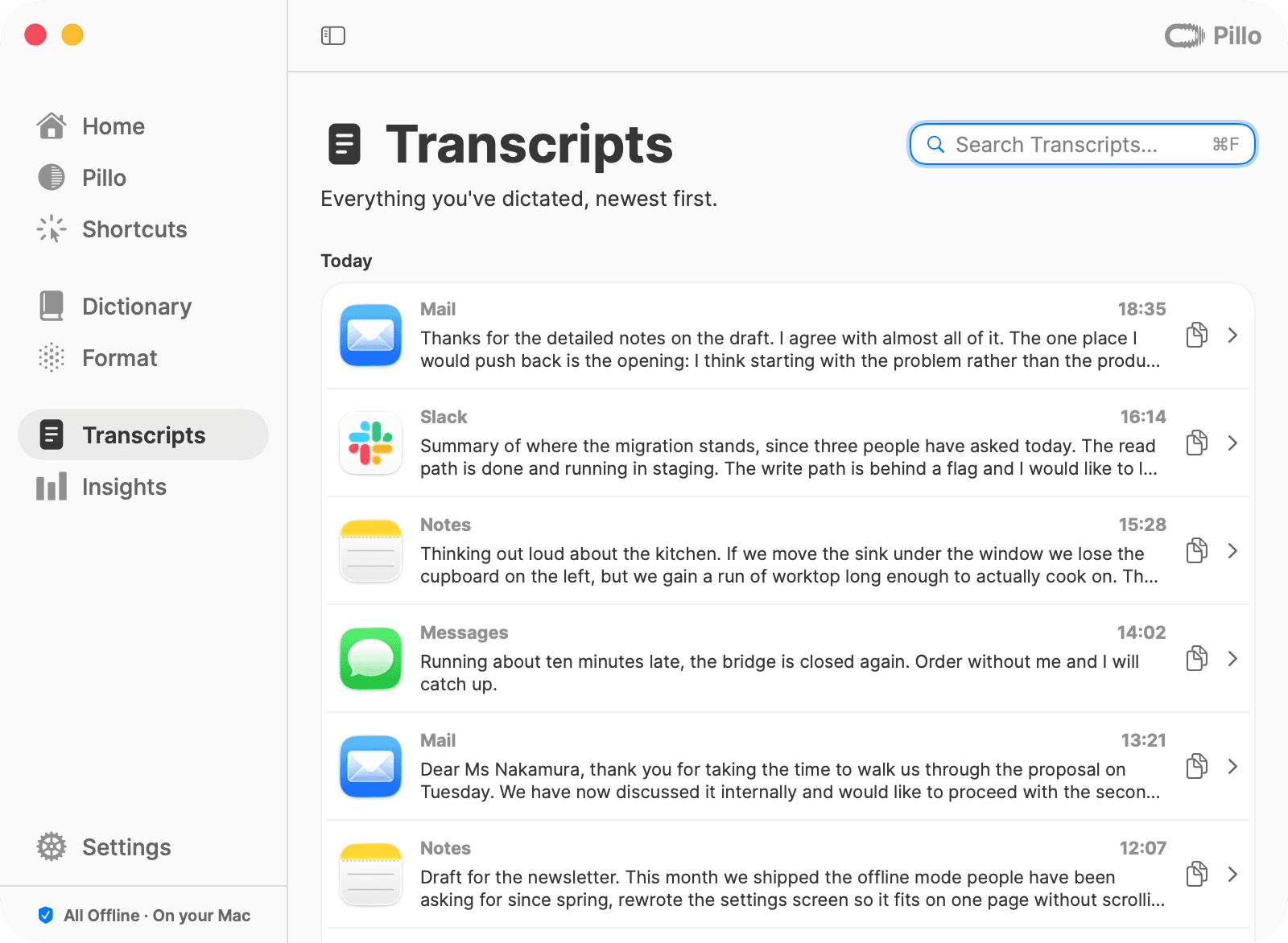
Transcripts has its own tab. Find anything you’ve said, see which app it went to, and copy it again — all stored on your Mac.
Press a key, speak, and your words appear wherever you type. Pillo runs entirely on your Mac — no cloud, no account.
In action
Your words land in the app you’re already in — with paragraphs, punctuation and numbers as digits, as if you’d typed them yourself.

How it works
One key, your voice, and the app you’re already in. That’s the whole setup — no account, nothing to learn.
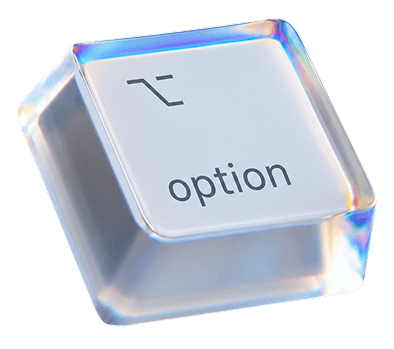
Double-tap the Right Option key and Pillo starts listening. Tap it once more to stop — or hold the key while you talk.
Pause, ramble, start a sentence over. The Dictation Preview shows your words while you speak.
Dictation Preview
Okay so for Thursday — the build is ready for QA, the export fix is in, and the new onboarding looks good
Your words appear at the cursor — in Mail, Slack, Notes or your code editor. With punctuation and paragraphs, as if you’d typed them.
Thursday
The build is ready for QA. Three things changed: the export fix, the new onboarding and dark mode.
If anything looks risky, we move the release to Friday.
Anywhere there’s a cursor
Every app
Mail, Slack, WhatsApp, Notion, your code editor. If there’s a text cursor, Pillo writes there.



Formatting
Speech doesn’t come with line breaks. Pillo adds them — and the rest of what turns talking into writing.
Reply to Priya Nair
You say
Um, I think we should uh move the call to Thursday. Would that work for you?
Um, I think we should uh move the call to Thursday. Would that work for you?
I think we should move the call to Thursday. Would that work for you?
“Um” and “uh” disappear. Every other word stays as you said it. Off by default — turn it on in Format.
Features
The parts you notice after a week: it knows your words, keeps what you said, and never makes you wait.
Transcripts has its own tab. Find anything you’ve said, see which app it went to, and copy it again — all stored on your Mac.
Names, places, jargon. Type a word once; Pillo gets it right from then on.
The speech model stays loaded. Press the key after a night away and Pillo is already listening.
Time saved, how fast you speak, how many days in a row. Counted on your Mac, for you.
Time Saved
1.3 h
vs. typing at ~38 wpm
Speech Pace
158 wpm
About the pace of a keynote

Day Streak
30 Days
Highest streak: 30 days
Pick a waveform colour, park the pill anywhere on screen, choose how big the preview is. Try a colour.
Privacy
Speech becomes text right on your Mac. Your voice, your transcripts and your dictionary never leave it.
Early users
This month using pillo saved me 9.4 hours in total. I use it every day. Love it.
I love that I can talk normally without thinking of not using too many ‘eh’s and ‘hm’s because Pillo will delete those filler words afterwards for me. I’m so happy.
I love the dictionary. No more wrong words
Pillo gives me the simplicity of voice messages with the convenience of written text.
Love that i can change to color of the Pill :)
Free during beta. No account, no card, no cloud.